

Shopify
A shopper asked AI: “best shoes right now”
The AI visibility app for Shopify
Connect your Shopify store and see which of your products AI recommends, what it cannot read on each product page, and what to change. Fixes go into your store only after you approve them.
Free scan, no account. Or start free
Answers checked in
- ChatGPT
- Google AI Mode
The moment
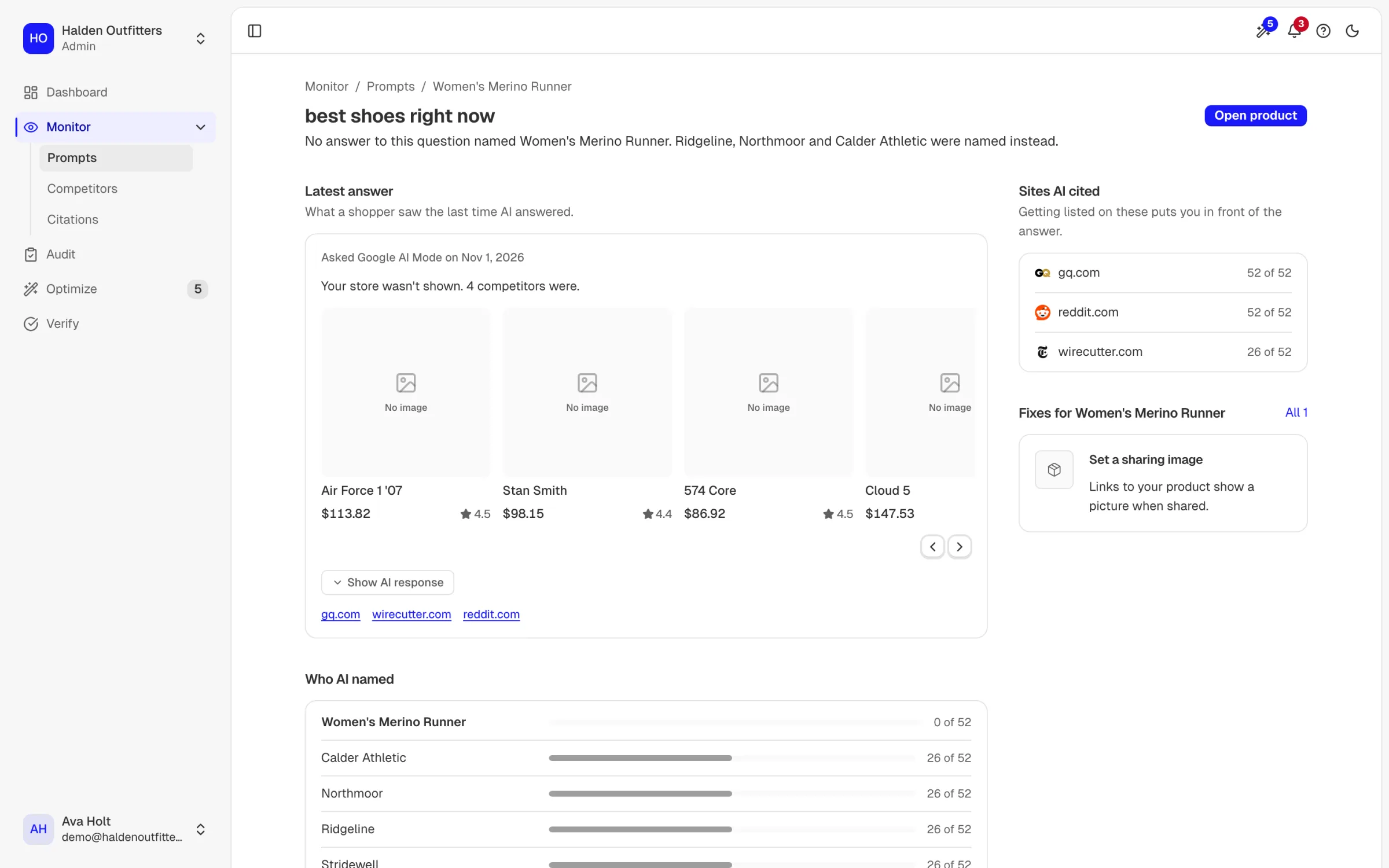
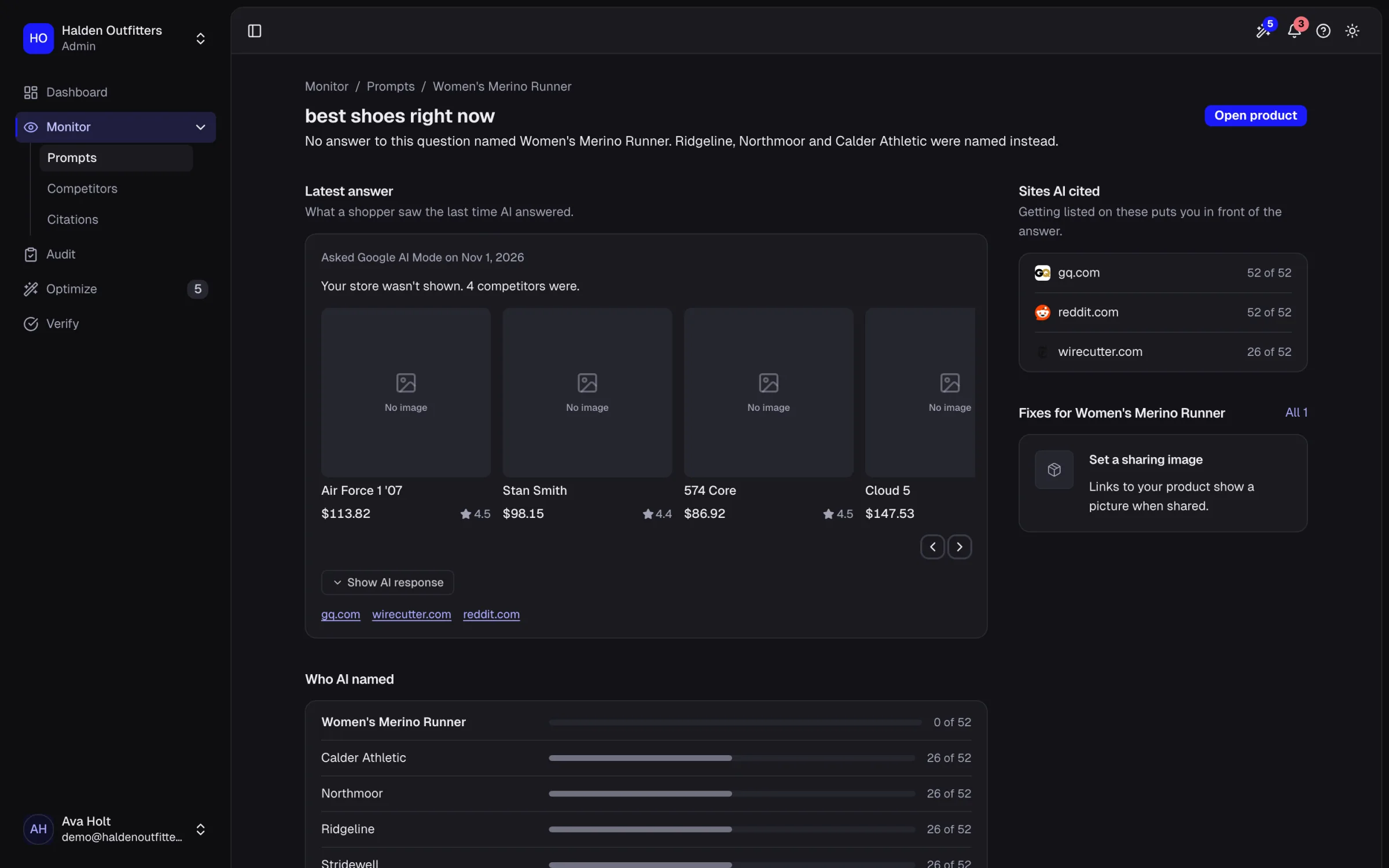
A shopper asks Google AI Mode "best shoes right now". The answer names Northmoor, Ridgeline and Stridewell. Women's Fell Runner Go is a product Halden Outfitters sells, and it is not in the answer. The shopper never sees the product page, so nothing in your analytics records the sale you lost.
Real answers for Halden Outfitters, an example store we run so you can see real output.
What you see in Shopify
What does the Shopify app read, and what can it change?
It reads your products, your product fields and your orders, and it asks for permission to update product fields. Nothing changes until you apply a fix, and each fix shows the field, the current text and the new text before you decide. Orders are read so the app can show which products sell, not to change anything. Shopify lists these permissions when you approve the install, so you see the same list we describe here.


How do my products get checked, one by one?
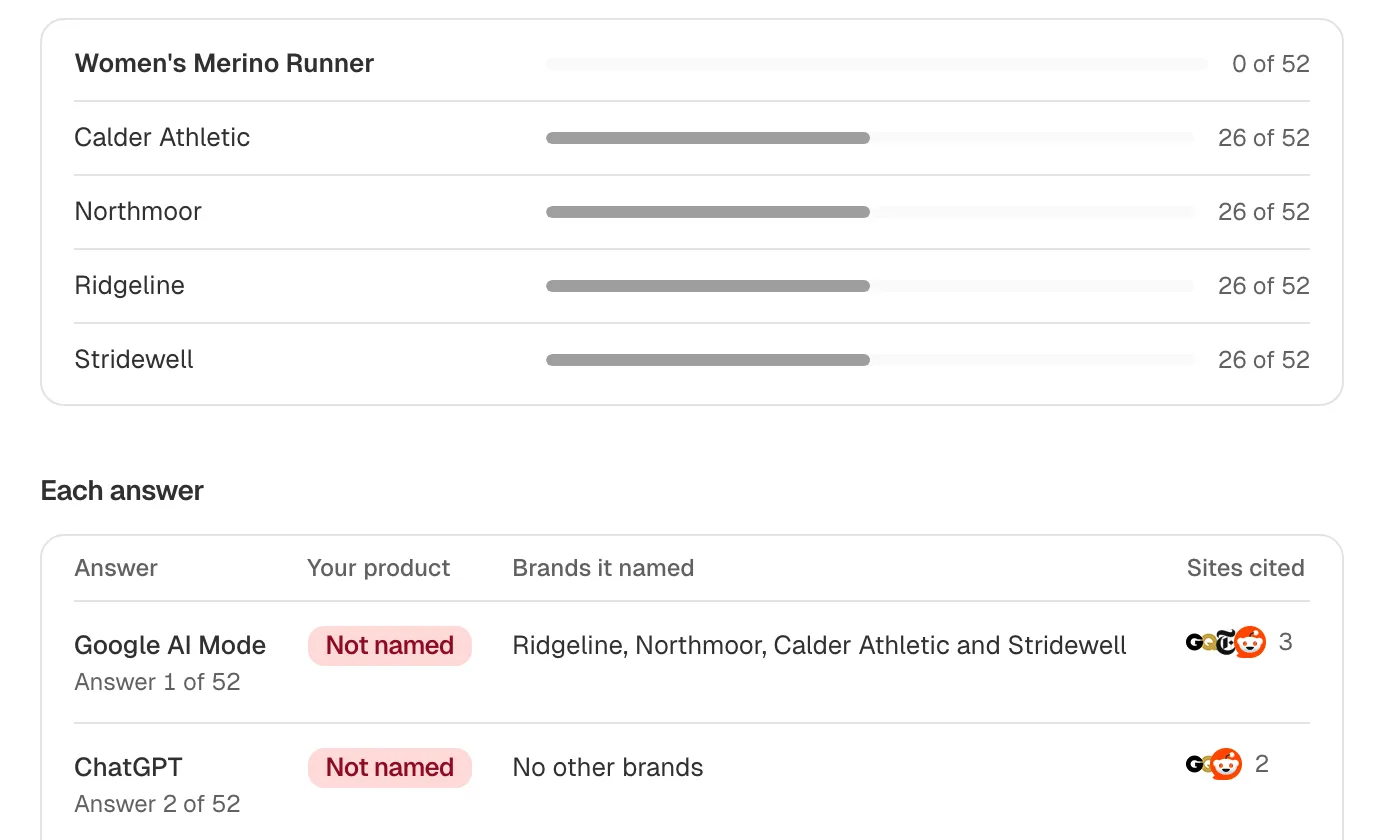
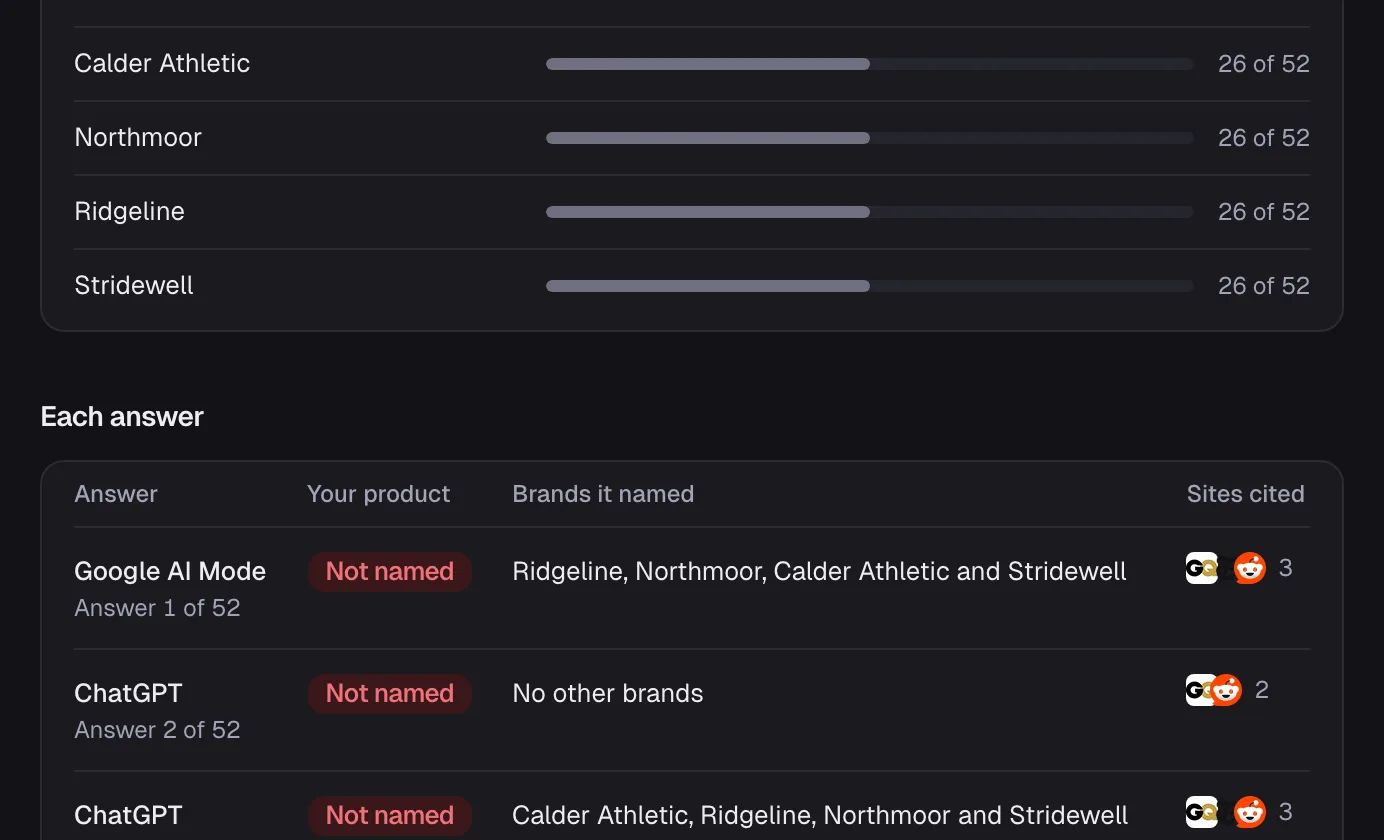
Products import and stay in sync. AEOsome writes questions from your catalogue for each product, as a shopper would ask them, and asks them in ChatGPT and Google AI Mode. The answer is stored per product, so you see which products are named, which are left out, and which rival stores replace them. A store-wide score hides the product that matters; a per-product list does not.
How do I know a fix worked?
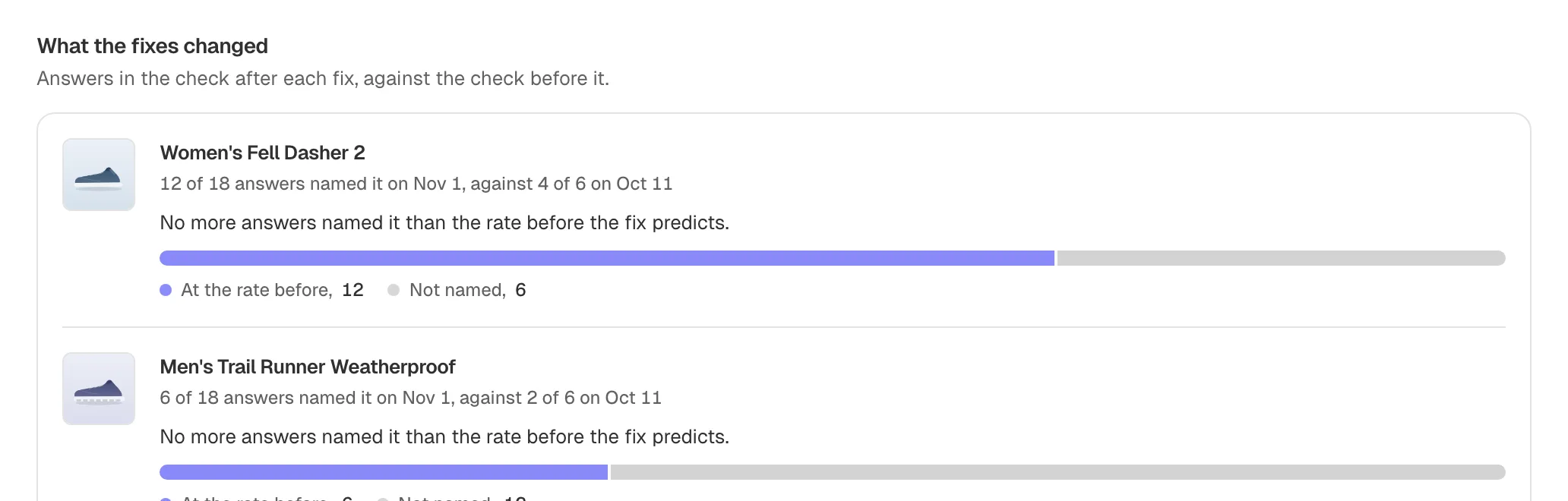
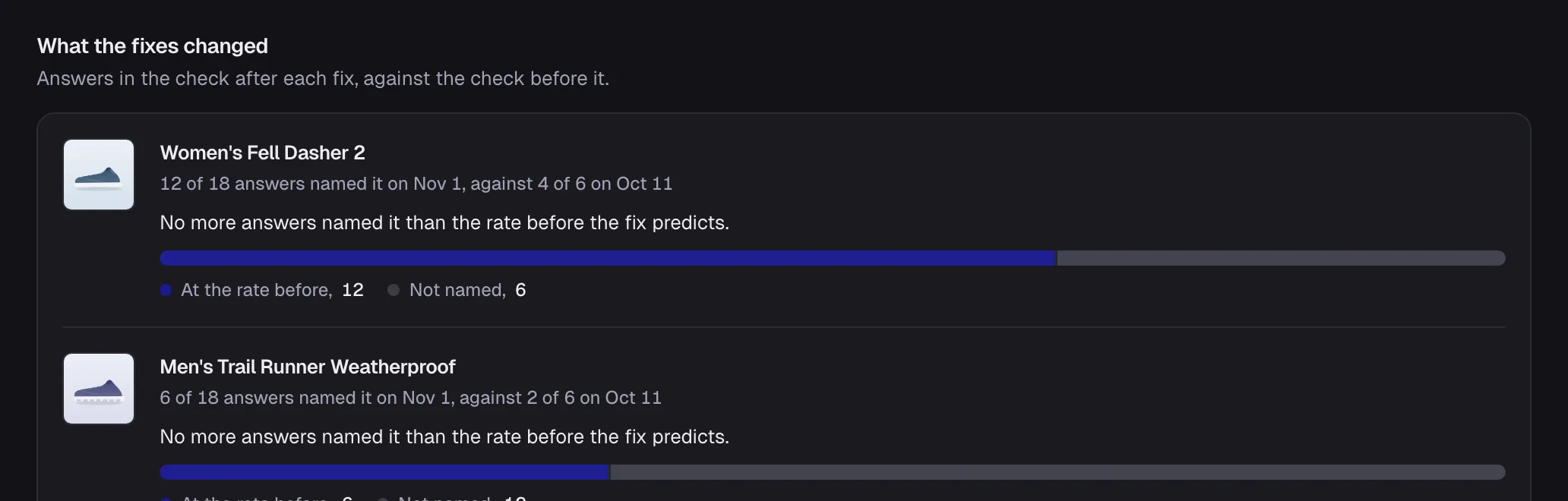
Verify asks the same question again after you apply a fix and shows the answer before and after. AI answers vary between runs, so a single answer is not proof; the page shows the history so you can see whether the product is now named more often. If it is not, the fix is still on the page for you to change.
What does it cost, and how is it billed?
Free checks ChatGPT for 10 products and re-asks every month. Paid plans check ChatGPT and Google AI Mode and re-ask every week. Billing for paid plans goes through your Shopify bill, so there is no separate card to add.
How it works
- Where questions come from
- Written from your catalogue, per product
- How often
- On Free, each question is asked again every month. On Starter and above, every week.
- Engines
- ChatGPT and Google AI Mode
- Counted as named
- Your brand appears in the answer; its position is read from the answer's numbered or bulleted list, and an answer that names you without a list is shown as named, not ranked
- What changes in your store
- Product fields, only after you approve
Ask your AI assistant instead
The same answers over the MCP server and the command line, on every plan, Free included.
Questions merchants ask
about Shopify.
Find out which AI answers name your store
Enter your store address. We ask AI assistants the questions your shoppers ask, then show which answers name you, which name a competitor, and what to fix first.