

Audit
You ask: “why did AI skip this product?”
Find what AI cannot read on your product pages
AEOsome reads every tracked product page the way an AI engine does, then lists the missing details, broken structured data and content gaps that keep a product out of answers.
Free scan, no account. Or start free
Answers checked in
- ChatGPT
- Google AI Mode
The moment
You know a product is missing from AI answers. You do not know why. The title is fine, the photos are fine, the page ranks on Google. But the engine could not find the material, the fit, or the answer to "is it waterproof", so it named a store that wrote those things down. The audit finds the sentence your page is missing.
Why this matters
AI engines do not rank pages, they pick products they can describe. A product with missing attributes or broken structured data is harder to describe, so it is passed over before price or reviews are weighed.
+693.4%
Traffic to retail sites from generative AI tools rose 693.4% year over year, 1 Nov to 31 Dec 2025.
Adobe, 2026-01-07
Adobe's own caveat applies here too: AI is a small share of traffic today. The pages that are readable now are the ones that get named as that share grows.
What you see in Audit
Which page should I open first?
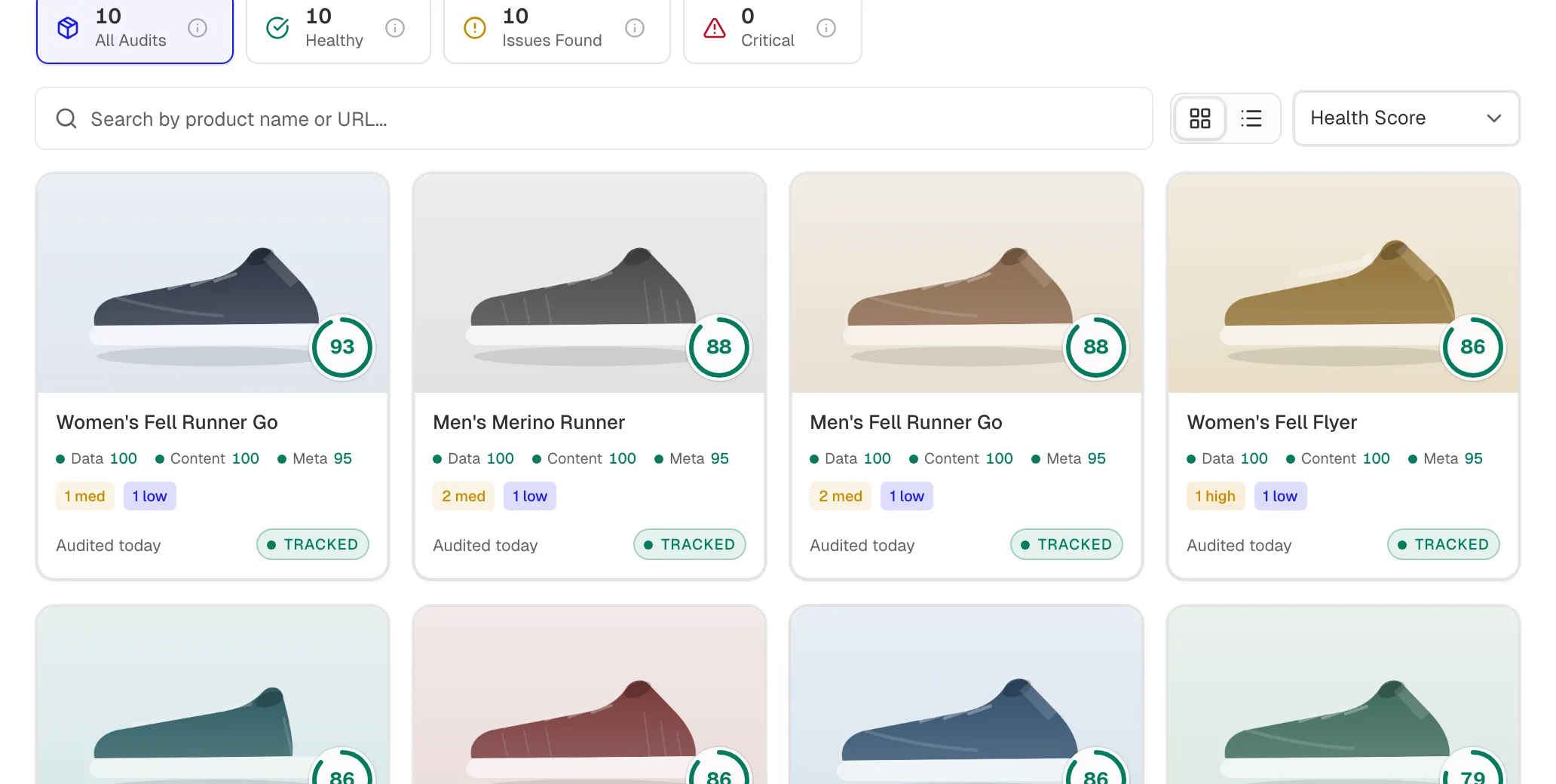
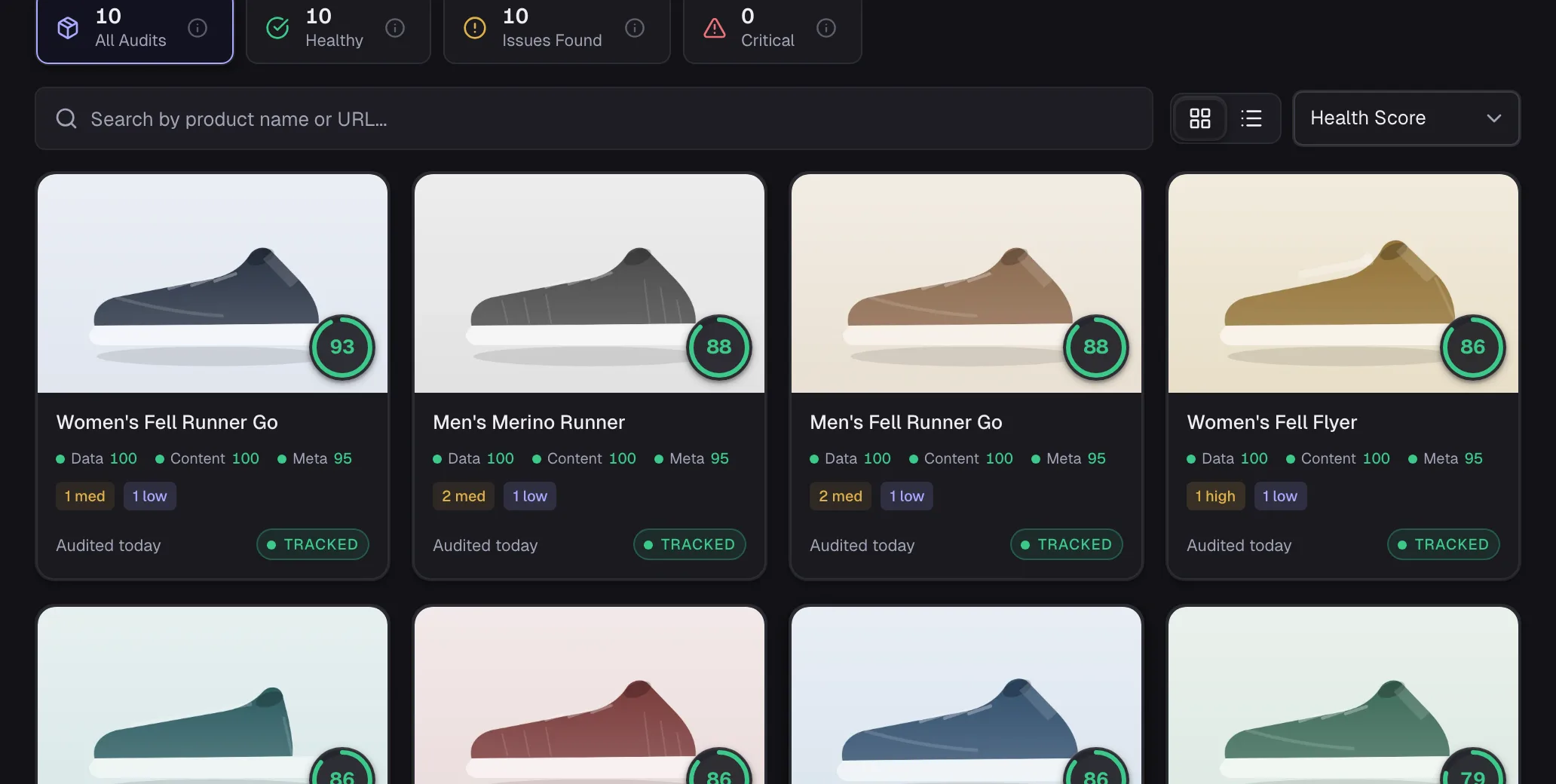
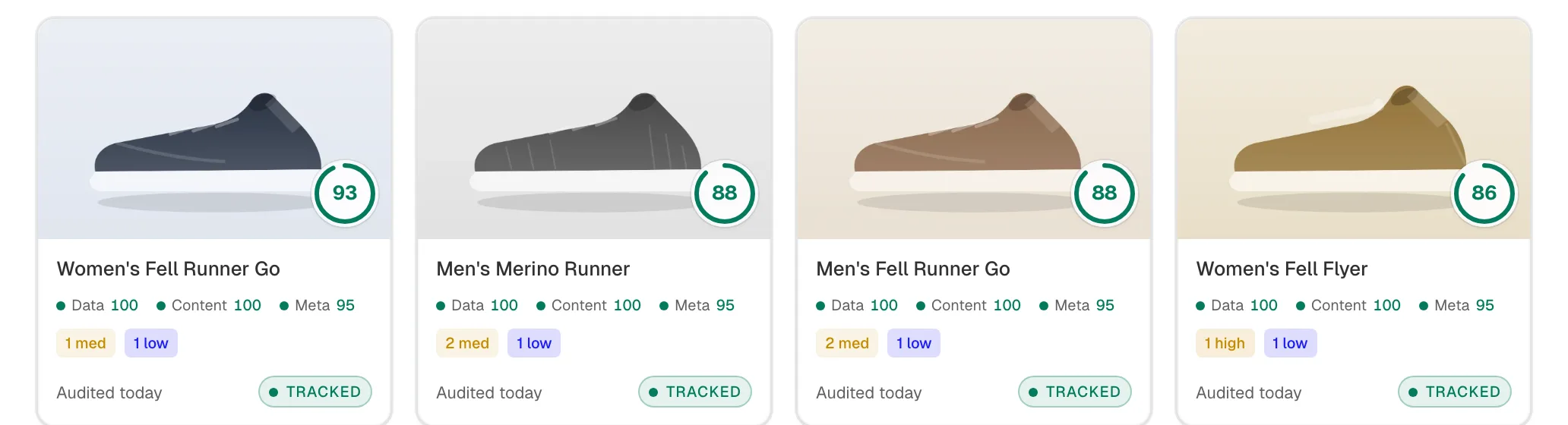
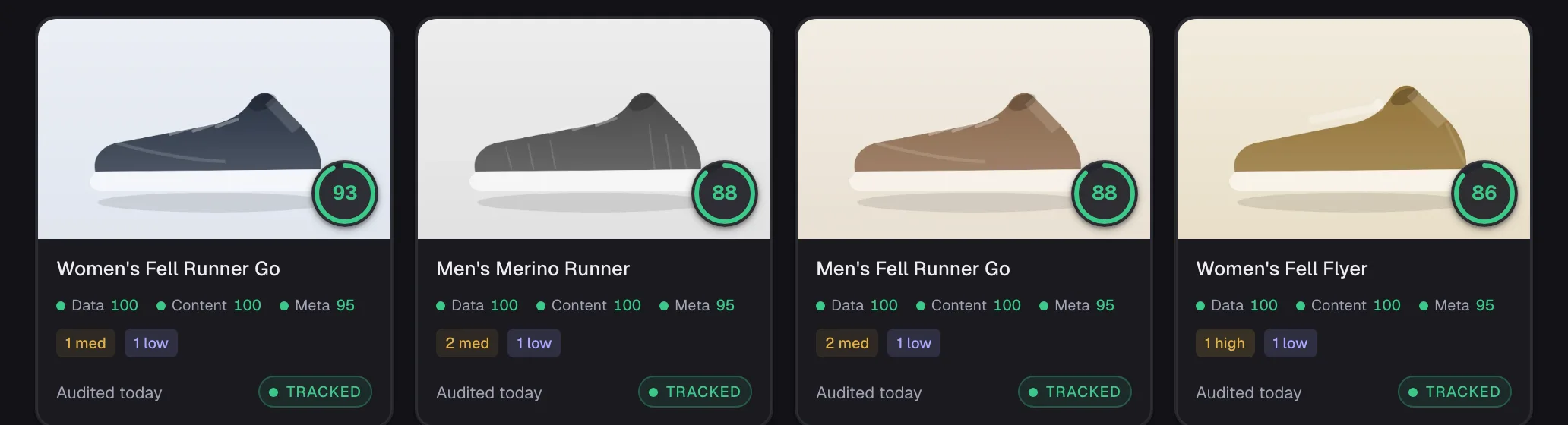
Each page gets a score out of 100 from the checks AI shopping answers depend on, so the list starts with the page that costs you most.
How many pages need work?
Every audited page counts as healthy or as one with issues, and the critical ones are counted apart. You see how big the job is before you open a single page.


What exactly is wrong on this page?
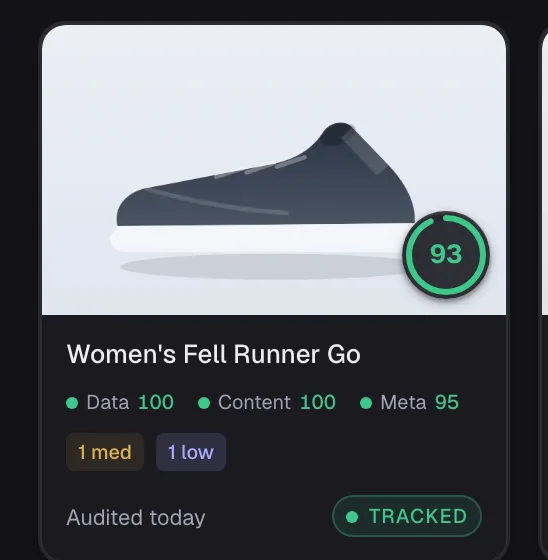
Each page lists its findings by severity, with the missing attributes and structured data problems behind them, split into Data, Content and Meta.
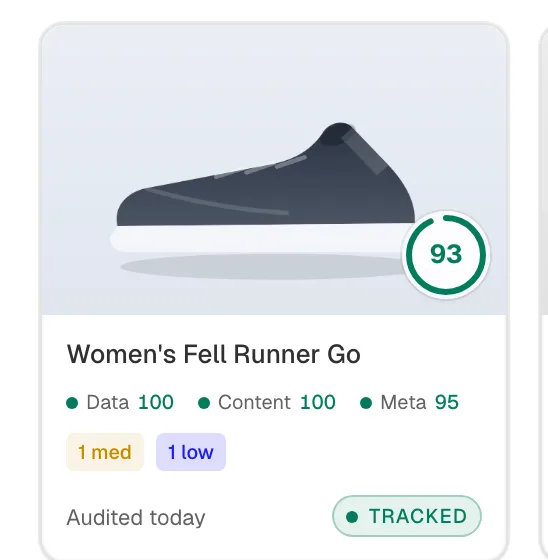
Which questions should this product answer?
We map the questions shoppers ask AI to each product, so a gap reads as a lost answer, not a lint error.
How it works
- What is read
- The product's attributes, its structured data, and whether the page answers the questions shoppers ask AI about it
- How often
- Re-audited on a schedule that depends on your plan. On Free, every 7 days.
- What it changes
- Nothing. The audit only reads your pages.
- Score
- Out of 100, from Data, Content and Meta checks
- Free check
- The AI shopping readiness scan, from your store address, no account
Example store: Halden Outfitters
The Women's Fell Dasher Relay page scores 79 out of 100 in the audit.
Four steps, in order
Step 1
Monitor
Which products AI recommends, and who it names instead
Previous step: MonitorStep 2
Audit
What AI cannot read on each product page
You are here
Step 3
Optimize
The exact change, ready to copy or apply
Next step: OptimizeStep 4
Verify
The same questions asked again after a fix
Next step: Verify
Ask your AI assistant instead
The same answers over the MCP server and the command line, on every plan, Free included.
Questions merchants ask
about Audit.
Find out which AI answers name your store
Enter your store address. We ask AI assistants the questions your shoppers ask, then show which answers name you, which name a competitor, and what to fix first.