

Optimize
You ask: “what should I change first?”
Get the exact fix, applied in Shopify
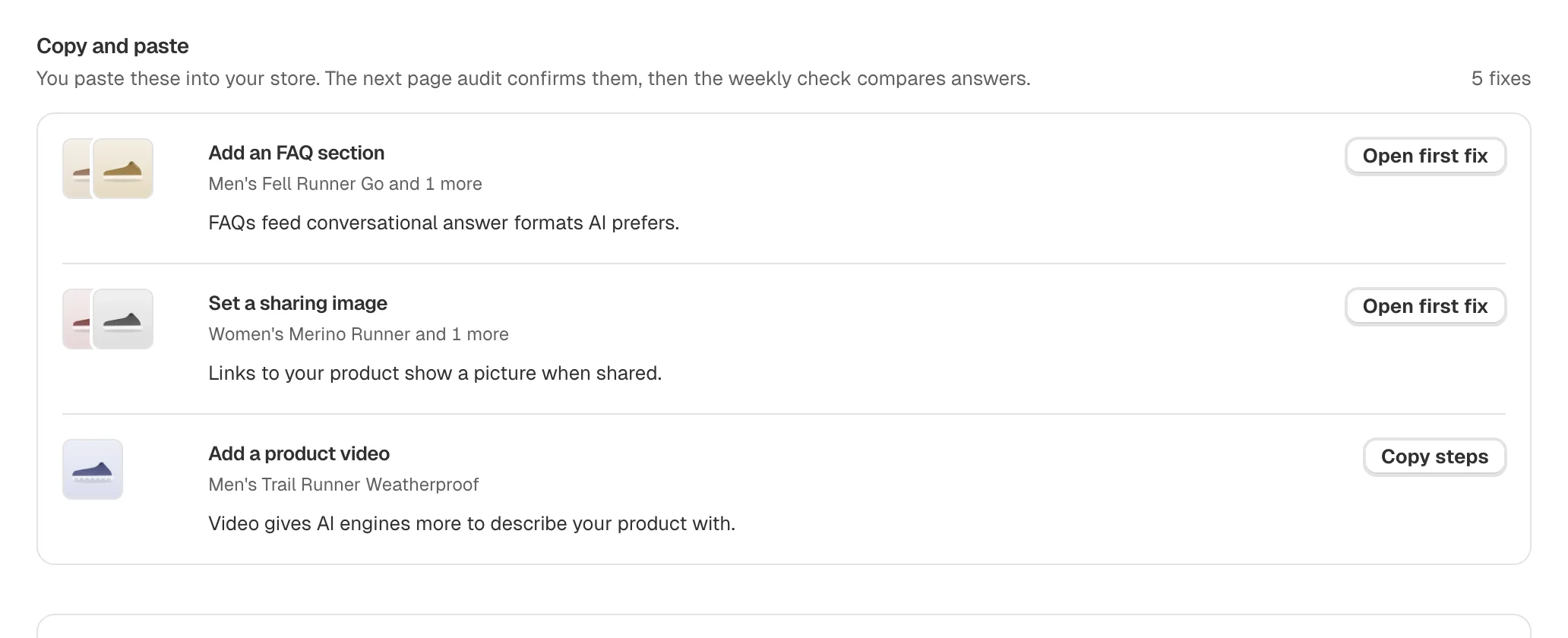
Every fix comes with the evidence behind it, grouped by how you make it. Shopify fields update from the fix itself; the rest come with copy steps or a brief for your developer.
Free scan, no account. Or start free
Answers checked in
- ChatGPT
- Google AI Mode
The moment
The audit found 40 problems. A list of 40 is not a plan. Optimize turns it into the changes that matter, each one naming the products it is for and the reason AI engines prefer it.
Why this matters
A finding nobody acts on moves nothing. The gap between "we know what is wrong" and "it is fixed" is where most AI visibility tools stop. Everything on this page is about closing it.
3x
Orders from AI searches on Shopify stores tripled year over year in Q2 2026.
Shopify Q2 2026 earnings call, as reported by Retail TouchPoints, 2026-08-05
What you see in Optimize
How do I make each fix?
Store fields, copy and paste, theme changes and developer briefs, each in its own list, so you start with the ones you can finish today.
Why this fix?
Every fix names the products it is for and the reason AI engines prefer it.


How do I apply it?
Open the first fix to apply it, or copy its steps. Shopify product fields update from the fix itself, with nothing to copy across.


Can it write the shopper answers?
On Starter and above, the questions shoppers ask about each tracked product, answered from your own listing, ready to review and publish. Each one carries an AI draft label until you publish it.
Can AI shopping agents read my catalog?
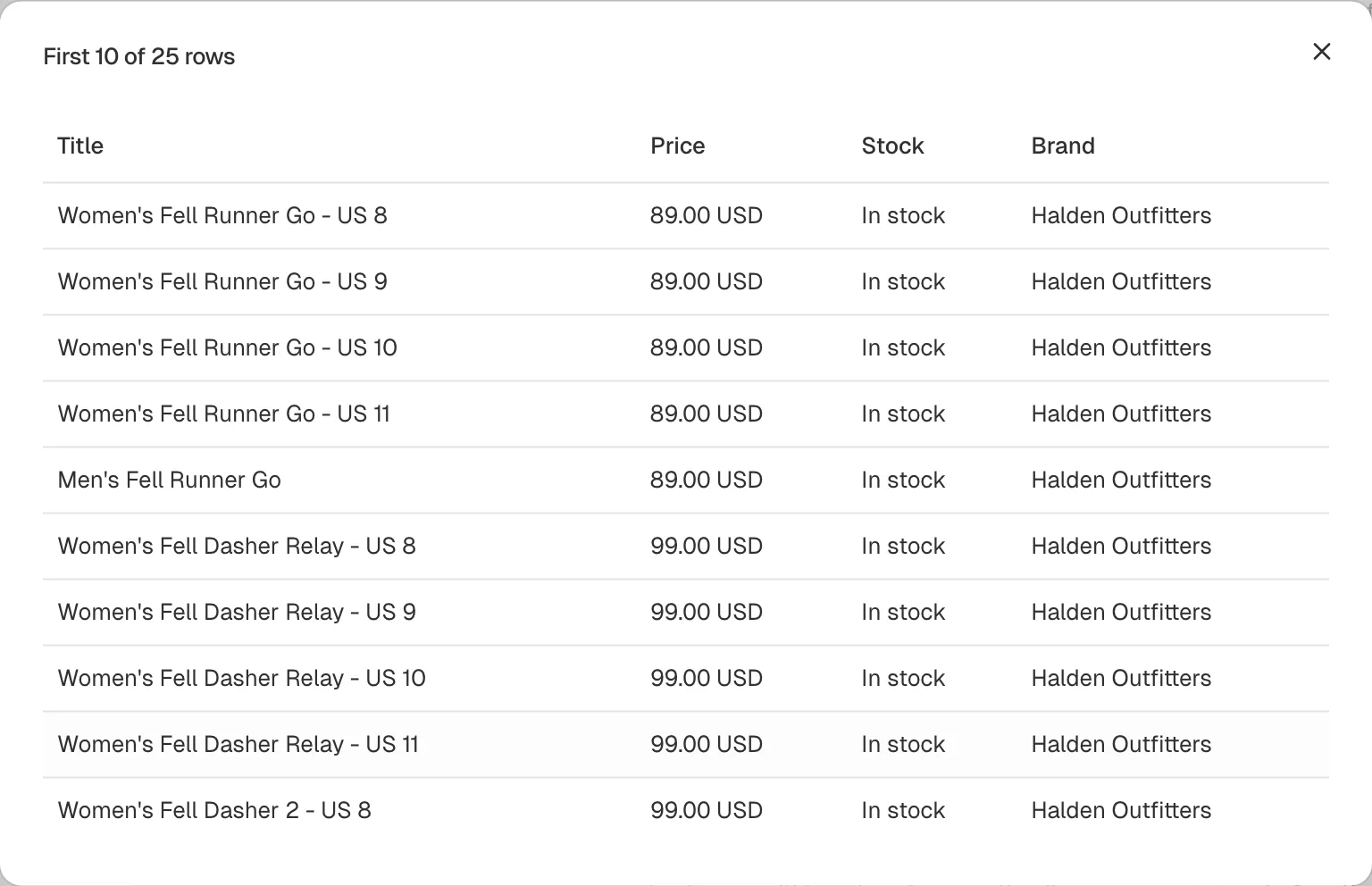
A ChatGPT product feed and a Google Merchant Center feed from your catalog, with the products left out named. Starter downloads the files; Growth and above get a hosted URL.
What if I need a developer?
Theme and markup changes written up so whoever builds your store can make them.
How it works
- Where fixes come from
- The audit findings and the questions Monitor asked
- What writes to your store
- A fix you apply, from the dashboard or from an API key you allowed to write
- What can be written
- Shopify product fields. Other fixes come as steps or a brief.
- Free plan
- The top 3 fixes in full
Four steps, in order
Step 1
Monitor
Which products AI recommends, and who it names instead
Previous step: MonitorStep 2
Audit
What AI cannot read on each product page
Previous step: AuditStep 3
Optimize
The exact change, ready to copy or apply
You are here
Step 4
Verify
The same questions asked again after a fix
Next step: Verify
Ask your AI assistant instead
The same answers over the MCP server and the command line, on every plan, Free included.
Questions merchants ask
about Optimize.
Find out which AI answers name your store
Enter your store address. We ask AI assistants the questions your shoppers ask, then show which answers name you, which name a competitor, and what to fix first.