

Fixes and shopper answers
You ask: “what should I change first?”
Get the exact change each product needs
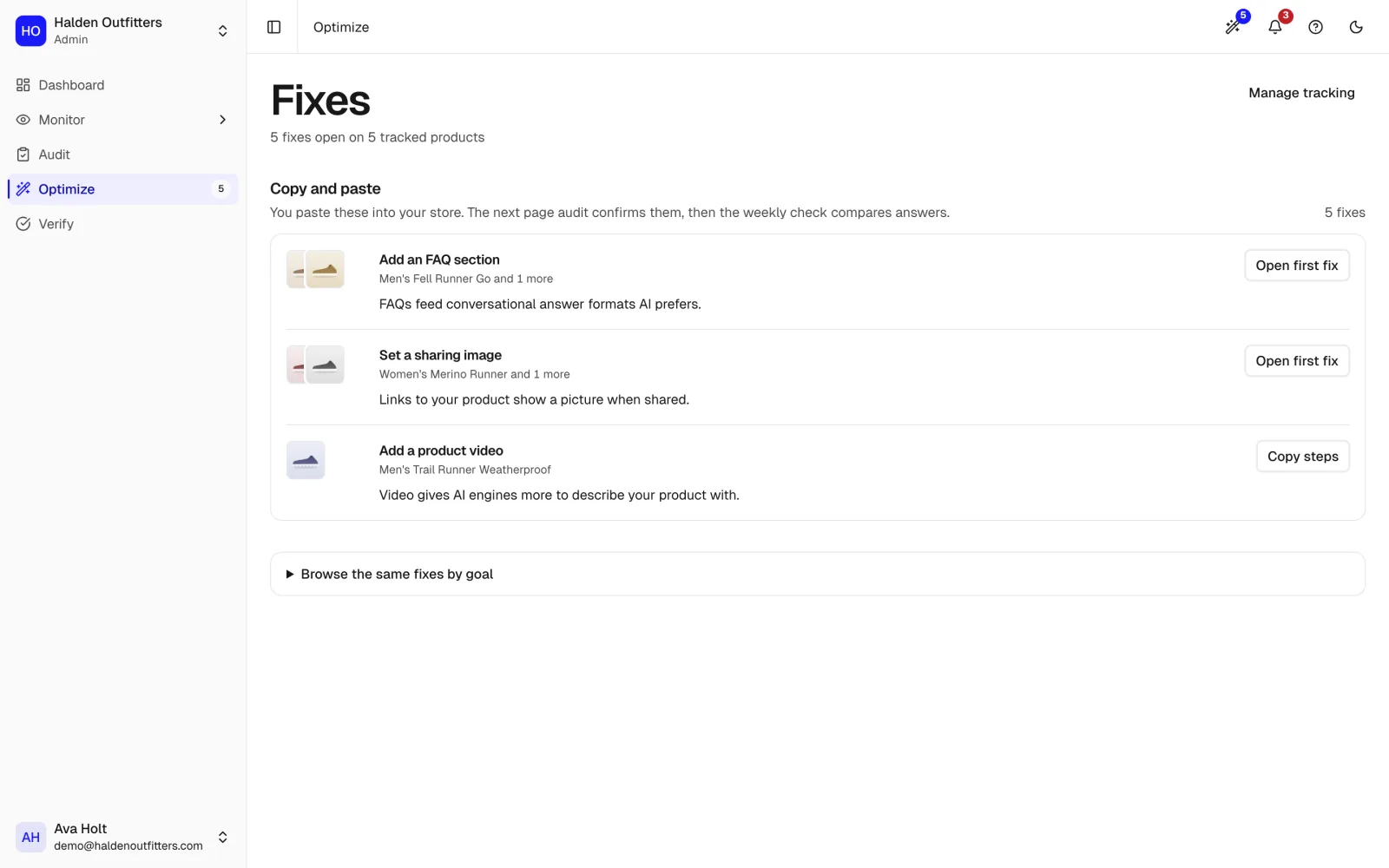
Every fix comes with the evidence behind it, grouped by how you make it. Shopify fields update from the fix itself; the rest come with copy steps or a brief for your developer.
Connect Shopify or WooCommerce in a minute. Free plan, no card.
Answers checked in
- ChatGPT
- Google AI Mode
What you see in Fixes and shopper answers
Real screens from Halden Outfitters, our fictional demo store.
Grouped by how you make them
Store fields, copy and paste, theme changes and developer briefs, each in its own list.
Apply to Shopify from the fix
Product fields update in your store when you apply, with nothing to copy across.
Shopper answers drafted for you
On Starter and above, the questions shoppers ask about each tracked product, answered from your own listing, ready to review and publish.
A brief for your developer
Theme and markup changes written up so whoever builds your store can make them.
From an answer to a fix
Step 1
See the answer
Which products AI named, and the brands it chose over yours.
AI answersStep 2
Fix the listing
The exact change, with the evidence for it. Copy it, or apply it to your store.
You are here
Step 3
Prove it worked
The same questions asked again after the change, before and after side by side.
Proof
Ask your AI assistant instead
The same answers over the MCP server and the command line, on every plan, Free included.
Questions merchants ask
about Fixes and shopper answers.
Find out which AI answers name your store
Connect your store. We ask AI assistants the questions your shoppers ask, then show which answers name you, which name a competitor, and what to fix first.