

Daily brief
You ask: “what changed since yesterday?”
Know what moved since yesterday
Your dashboard opens on the last 24 hours: fixes that were proved, orders that came from AI assistants and alerts that need you. The same summary can reach your inbox each morning.
Connect Shopify or WooCommerce in a minute. Free plan, no card.
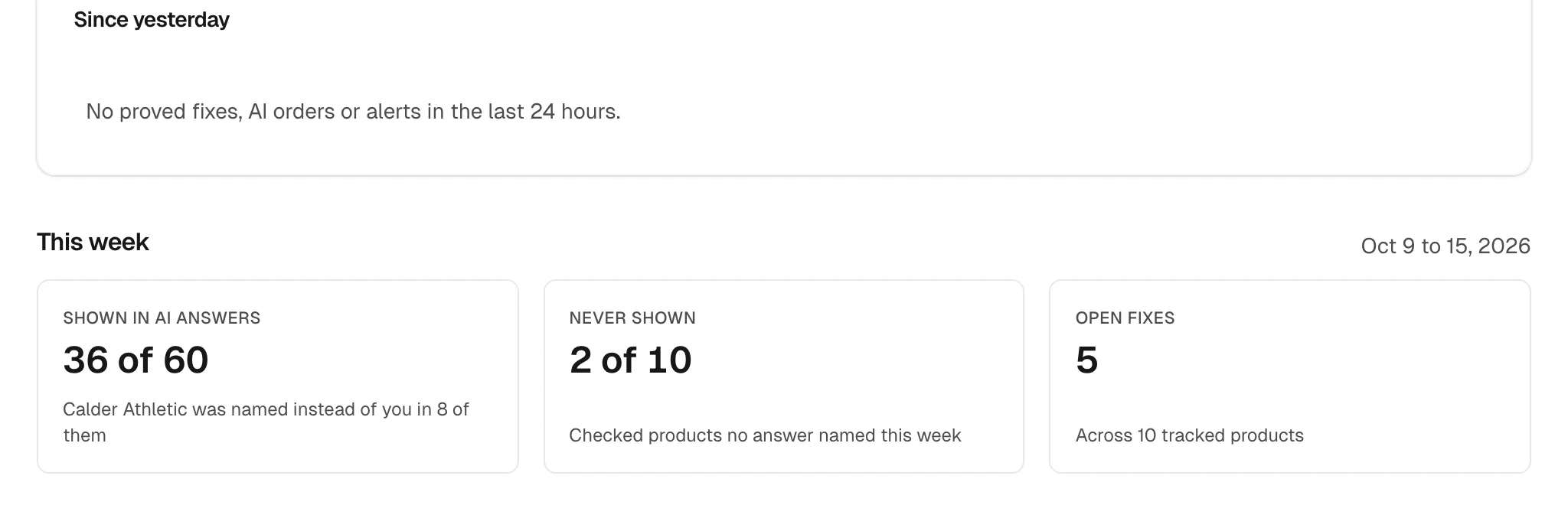
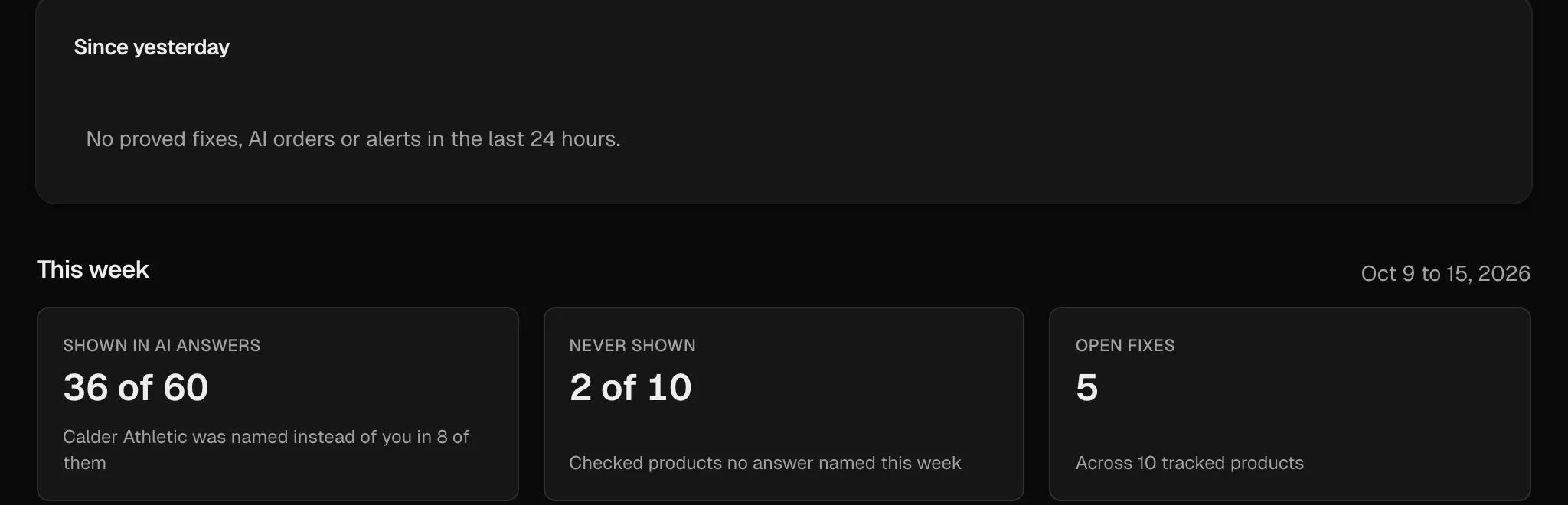
Answers checked in
- ChatGPT
- Google AI Mode
What you see in Daily brief
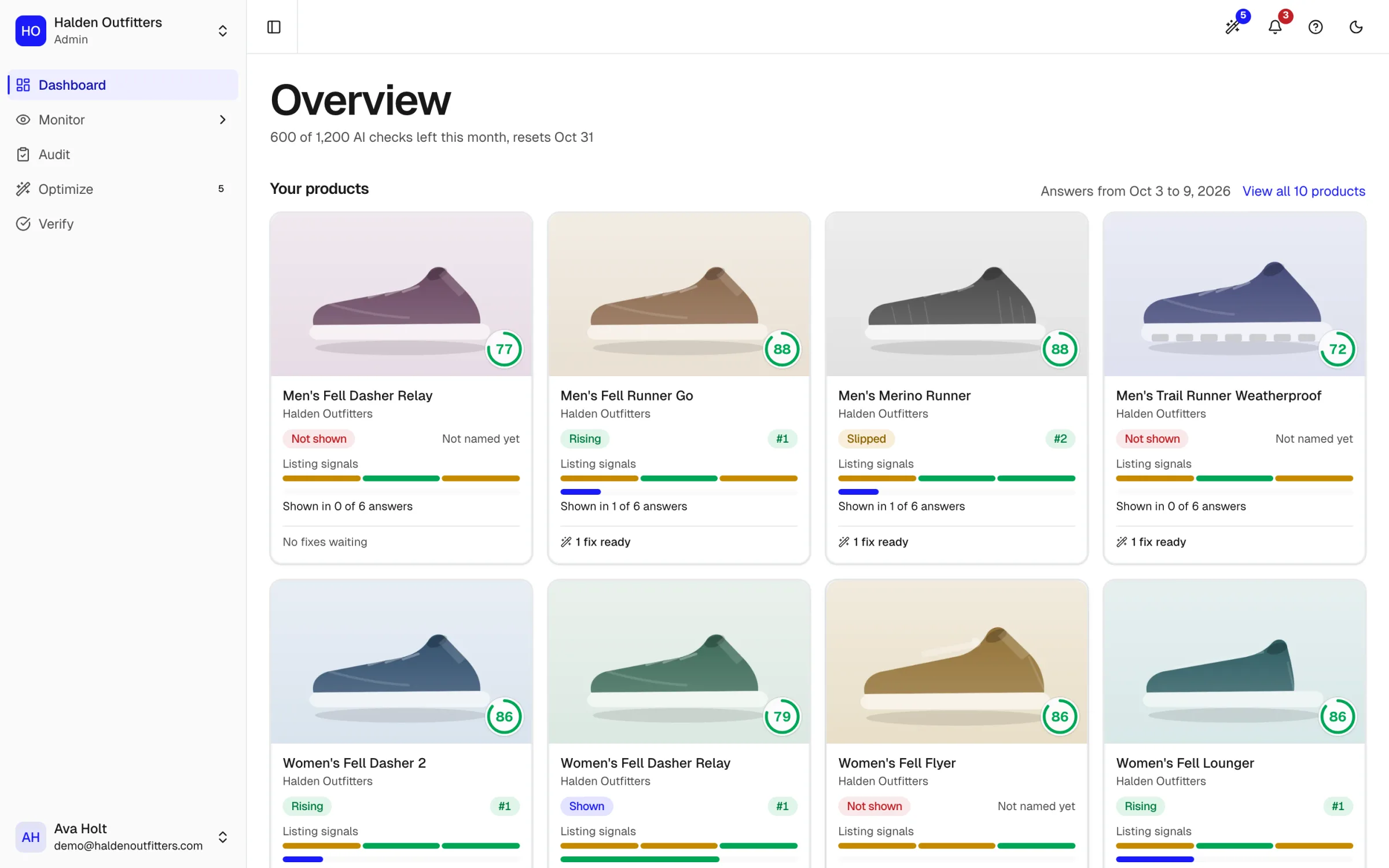
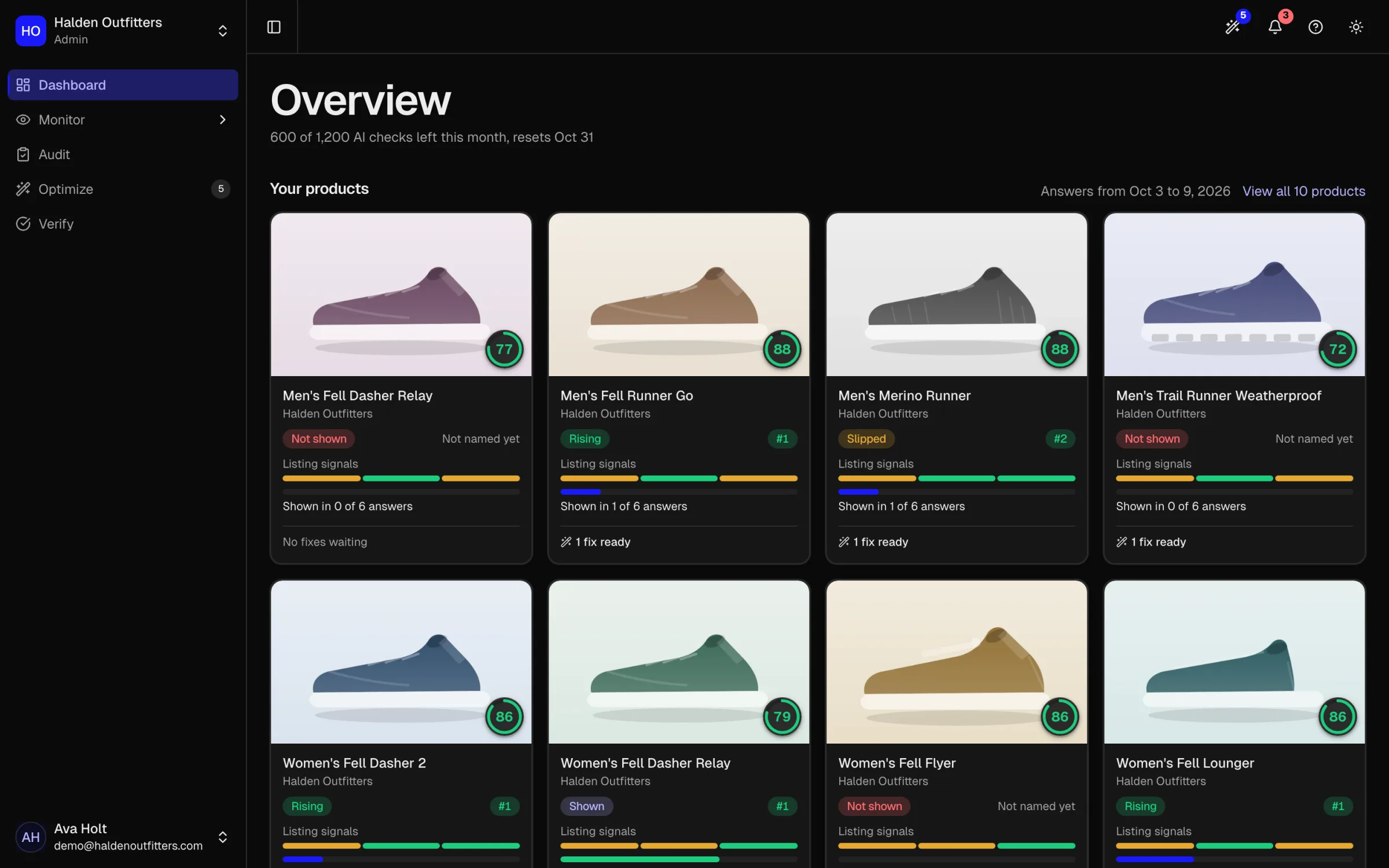
Real screens from Halden Outfitters, our fictional demo store.
Every product, one card each
Each tracked product with its photo, how many answers showed it and the fixes ready for it.
Fixes proved in the last day
Which applied fixes the re-check proved since yesterday.
Orders from AI assistants
Orders that came from an AI assistant since yesterday.
A morning email you can switch off
The same summary in your inbox. Any admin can turn it off in Settings.
From an answer to a fix
Step 1
See the answer
Which products AI named, and the brands it chose over yours.
AI answersStep 2
Fix the listing
The exact change, with the evidence for it. Copy it, or apply it to your store.
Fixes and shopper answersStep 3
Prove it worked
The same questions asked again after the change, before and after side by side.
Proof
Ask your AI assistant instead
The same answers over the MCP server and the command line, on every plan, Free included.
Questions merchants ask
about Daily brief.
Find out which AI answers name your store
Connect your store. We ask AI assistants the questions your shoppers ask, then show which answers name you, which name a competitor, and what to fix first.